

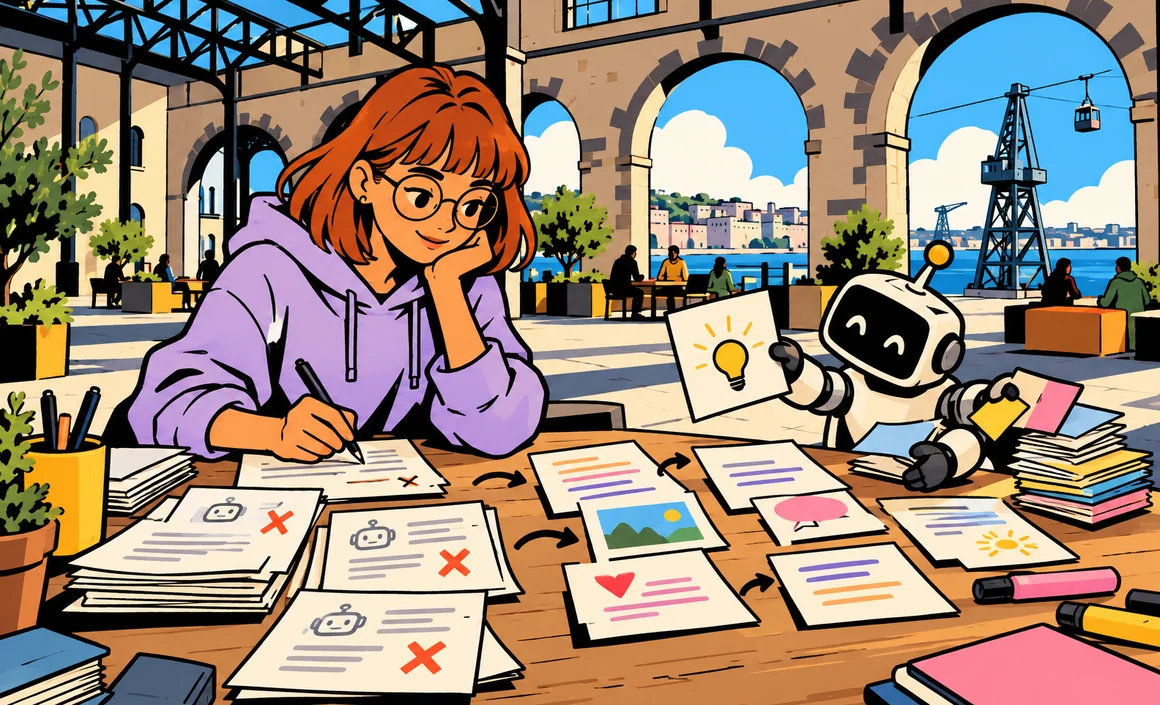
“I’m thrilled to announce…”, “Here are 5 lessons I learned…”, “What do you think? 👇”: you spot them instantly, those LinkedIn posts that reek of AI. They’re clean, well structured and completely forgettable. And yet writing LinkedIn posts with ChatGPT can genuinely save you time, as long as you use it at the right moment and for the right tasks.
In this guide, I’ll show you how to write LinkedIn posts with ChatGPT without sounding like AI: the five-step method I use, copy-and-paste prompts to structure, reword and shorten, the list of writing tics to hunt down, and the LinkedIn rules to follow. The core principle is simple: ChatGPT drafts, you bring the voice, the examples and the proof.
Key takeaways
- Use ChatGPT to structure, suggest versions, reword and shorten, not to invent your experience.
- Always start from your own material: an anecdote, a real number, an opinion, something you lived through.
- Hunt down AI tics: announcement clichés, automatic lists, strings of emojis, empty closing questions.
- LinkedIn requires authentic content, under your real identity, with no spam or artificial engagement.
- An image, video or voice that’s been manipulated to show a person requires clear disclosure.
Information checked on September 29, 2026.
Contents
- Why so many LinkedIn posts sound like AI
- Step 1: Start from your material, not a topic
- Step 2: Introduce ChatGPT to your voice
- Step 3: Ask for a structure, then several versions
- Step 4: Put back your voice, your examples and your proof
- Prompts to reword, shorten and "de-AI" your post
- Adapting the method to the type of post
- AI tics to hunt down
- A real-world example
- LinkedIn rules to follow
- Mistakes and limitations to know about
- Frequently asked questions
- The bottom line
Why so many LinkedIn posts sound like AI
When you ask ChatGPT to “write a LinkedIn post about remote work,” it does exactly what you asked: an average text that looks like the average LinkedIn post. It has no information about you, so it fills the gaps with generalities. The result is smooth, well built and has nobody behind it.
In my experience, three things give away a post generated without edits:
- no concrete details: no city, no date, no specific situation, no verifiable number;
- a structure that’s too perfect: dramatic hook, bulleted list of five lessons, inspiring conclusion, closing question;
- recognizable vocabulary: “in today’s fast-paced world,” “never forget that,” “the real secret,” “game changer.”
The fix isn’t giving up on AI, but flipping the logic: you provide the substance, ChatGPT helps with the form. That’s the approach I find most solid for any personal writing, as I explain in my guide to rewording text with AI.
Step 1: Start from your material, not a topic
Before opening ChatGPT, jot down whatever you want to say. No need for full sentences: keywords, a memory, a comment you overheard, a number from your work, your opinion. That material is what will make the post impossible to confuse with anyone else’s.
If you’re short on ideas, ChatGPT can help you dig up memories, without making anything up:
I want to write LinkedIn posts about my work as a [job]. Ask me 10 questions to help me recall concrete situations I've been through: a failure, a surprise, a rookie mistake, a memorable client, a misconception I push back on. Don't suggest any answers, just ask the questions.
Answer quickly, out loud if you prefer, then pick the answer that makes you most want to write. For other ways to find topics, my article on finding content ideas with AI covers several approaches.
Step 2: Introduce ChatGPT to your voice
The second habit is to give ChatGPT examples of how you write. Paste two or three texts you wrote yourself (old posts, emails, notes) and ask it to turn them into a style description.
Here are 3 texts I wrote myself. Describe my style in 8 points: sentence length, level of formality, phrases I use often, what I never use, relationship to humor, emoji use, how I open and close. Don't rewrite anything yet.
---
[texts]
---
Read the description, fix anything that’s wrong, and set it aside: you’ll paste it at the start of the conversation for every new post. You can also save it once and for all in your custom instructions.
Step 3: Ask for a structure, then several versions
With your material and your style description, I first ask for an outline, never a finished text. It’s easier to fix an outline than an entire post.
Here's my style description: [description]. Here are my notes for a LinkedIn post: [rough notes]. Suggest 3 possible structures for this post (for example: story then lesson, misconception then reality, question then answer). For each one, give only the main steps in one line. Don't add any facts, numbers or examples I haven't provided.
That last instruction is essential: without it, ChatGPT tends to pad things out with made-up examples that have nothing to do with your experience.
Once I’ve picked the structure, I ask for several versions:
Write this post using structure 2, in 2 versions: one around 120 words, one around 220 words. Match my style. Short sentences. No bullet points unless truly useful. No emojis. No announcement clichés like "I'm thrilled to." Don't end with a generic question.
To get better at wording this kind of instruction, my guide to writing a good prompt lays out the general method.
Step 4: Put back your voice, your examples and your proof
This is the step that makes all the difference, and it’s yours. I take the best version and rewrite it by hand, asking myself three questions:
- What could only I write here? I add a specific detail: a place, a moment, something someone said, a reaction.
- What proves what I’m claiming? A real number from my work, a verifiable example, a link to a source. If I don’t have proof, I phrase it as an opinion.
- Would I say it like that out loud? If a sentence wouldn’t fly in a conversation with a coworker, I rewrite it.
Only then do I go back to ChatGPT for finishing touches, with narrow instructions.
Prompts to reword, shorten and “de-AI” your post
Here are the prompts I use most on a text I’ve already rewritten myself. They all start from your text and limit AI to the role of editor.
Spot what sounds artificial
Here's my LinkedIn post. Without rewriting anything, point out the sentences that sound AI-generated or like an ad: canned phrases, over-the-top enthusiasm, generalities, textbook transitions. Explain why in one line for each.
Shorten without losing your voice
Shorten this post by about 30%. Keep my expressions, my examples and my order. Cut repetitions and sentences that add nothing first. Show me what you removed.
Work on the hook
Suggest 8 different opening lines for this post, keeping my style. Each should be concrete (a situation, a fact, a detail) and under 15 words. Avoid rhetorical questions and lines like "Nobody talks about this."
Make it sound more natural
Rewrite only the sentences I've put in brackets so they sound more natural, as if I were saying them out loud. Don't touch anything else.
Adapt for a different audience
Adapt this post for readers who don't know my industry: explain technical terms in a few words, without making it more than 20% longer.
Adapting the method to the type of post
Not every LinkedIn post calls for the same use of ChatGPT. Here’s how I adjust depending on the case.
An announcement (new job, project, launch)
This is the type of post most prone to clichés. I give ChatGPT the raw facts (what, when, with whom, why it matters to me) and ask for three understated versions, with no superlatives. Then I thank the people involved in my own words, and only if they’re OK with being mentioned.
Here are the facts of my announcement: [facts]. Write 3 versions of 80 words max, understated, without "thrilled," "proud" or "journey." Start directly with the fact.
An opinion or a stance
Here, AI absolutely shouldn’t write the opinion for you. I write my take myself, then ask ChatGPT to play devil’s advocate:
Here's my take on [topic]. Give me the 3 most serious objections a reader could raise. Don't change my text.
It helps me sharpen my arguments or soften a sentence that’s too absolute before posting.
Sharing a resource
To recommend an article, a book or a tool, I say why it was useful to me, in a specific situation. ChatGPT can then help me summarize the resource in two sentences, as long as I check that the summary is accurate.
AI tics to hunt down
Here’s a table I keep handy when reviewing my posts. These aren’t absolute bans, but when they pile up, they give away an unedited text.
| Common tic | Why it rings false | What I do instead |
|---|---|---|
| “I’m thrilled to announce” | A phrase seen thousands of times | I state the fact directly |
| “In today’s fast-paced world” | Empty generality | I describe a specific situation |
| An automatic “5 lessons” list | Predictable structure | One idea, well developed |
| Emojis at the start of every line | Auto-pilot formatting | No emojis, or one useful one |
| “What do you think?” | A question with nothing at stake | A specific question, or nothing |
| One-line sentences after every break | Forced drama | Short but normal paragraphs |
| Inspirational moral at the end | Sounds like a speech | A concrete conclusion or an open door |
You can even have ChatGPT use this table:
Review my post and check whether it contains these tics: [list from the table]. Tell me where, without rewriting.
A real-world example
Take Jessica, a project manager at an agency. She wants to talk about the most pointless meeting of her week. Her first try, “write a LinkedIn post about pointless meetings,” produces a generic text with five tips and a closing question. She starts over differently: she jots down what happened (twelve attendees, two people talking, a decision pushed back), what she did about it (she has since proposed a written update instead) and what she thinks. ChatGPT suggests three structures; she picks story then lesson, gets two versions, keeps the shorter one and rewrites it in her own words. She then asks it to flag the sentences that sound too “AI”: two are left, and she fixes them. The final post is shorter, more precise and sounds like her.
LinkedIn rules to follow
LinkedIn doesn’t forbid you from using AI to write. Its Professional Community Policies do, however, set a clear framework.
Authenticity
LinkedIn requires a real profile, under your real identity, with accurate information. No fake profiles, no misleading content. In practice: don’t let ChatGPT invent an experience, a result metric, a client or a degree. If the AI suggests an example you didn’t live through, delete it.
No spam or artificial engagement
The rules ban spam and arrangements to artificially inflate reactions, shares or comments. Mass-generating comments with AI, joining engagement pods or posting the same text over and over clearly falls outside those rules.
Manipulated images, video and audio
If you post a synthetic or manipulated image, video or audio showing a person saying or doing something they didn’t say or do, clear disclosure is required. For an AI-generated illustration with no real person in it, I still find it more honest to mention it.
Mistakes and limitations to know about
- Letting AI make things up: examples, numbers, quotes. OpenAI reminds you that its answers aren’t always accurate and should be evaluated before being shared. Check anything that isn’t your own material.
- Pasting confidential information: client details, internal numbers, coworkers’ names. Anonymize before pasting, and check what your employer allows.
- Talking about other people without permission: identifying a coworker, a candidate or a client in a story requires their consent.
- Posting on autopilot: putting out a post a day thanks to AI only makes sense if each one adds something.
- Flattening your voice: let AI polish too much and all your posts end up sounding alike. Keep your quirks if they’re part of who you are.
My checklist before posting:
- The post includes at least one detail only I know.
- No facts, numbers or examples were invented by AI.
- The people mentioned have agreed or can’t be identified.
- I could say it out loud exactly as written.
- No phrase from the tics table remains without a good reason.
Frequently asked questions
Does LinkedIn ban posts written with ChatGPT?
No, the rules I reviewed don’t prohibit using AI to help you write. They do require authentic, accurate content under your real identity, with no spam or artificial engagement.
Can readers tell when a post was written by AI?
Often, when the text hasn’t been reworked: generalities, predictable structure, canned phrases. A post built from your own material and rewritten in your own words is much harder to spot, and more importantly, more interesting.
Do you have to disclose that you used ChatGPT?
For a text you fed and rewrote yourself, nothing in the rules I checked requires it. For a manipulated image, video or audio showing a person, however, clear disclosure is required.
Is free ChatGPT enough for writing on LinkedIn?
To structure, reword and shorten a few posts, the free version is usually enough. I go over what it can do in my guide to ChatGPT Free.
Can you use ChatGPT for your profile and job search?
Yes, to clarify your profile’s About section or prepare applications, with the same precautions: nothing invented, everything checked. I cover this in my article on job hunting with AI.
How long does it take to write a post with this method?
It depends on the post, but in my experience the time shifts: less time staring at a blank page, more time rewriting. And that rewriting time is exactly what makes a good post.
The bottom line
To write LinkedIn posts with ChatGPT without sounding like AI: start from your own material, describe your style, ask for a structure and then several versions with no added facts, rewrite with your examples and proof, and use AI as an editor to spot tics, shorten and sharpen the hook. Follow LinkedIn’s rules: authenticity, no spam, disclosure of manipulated media.
To go further, find out how to find Instagram post ideas with AI.